




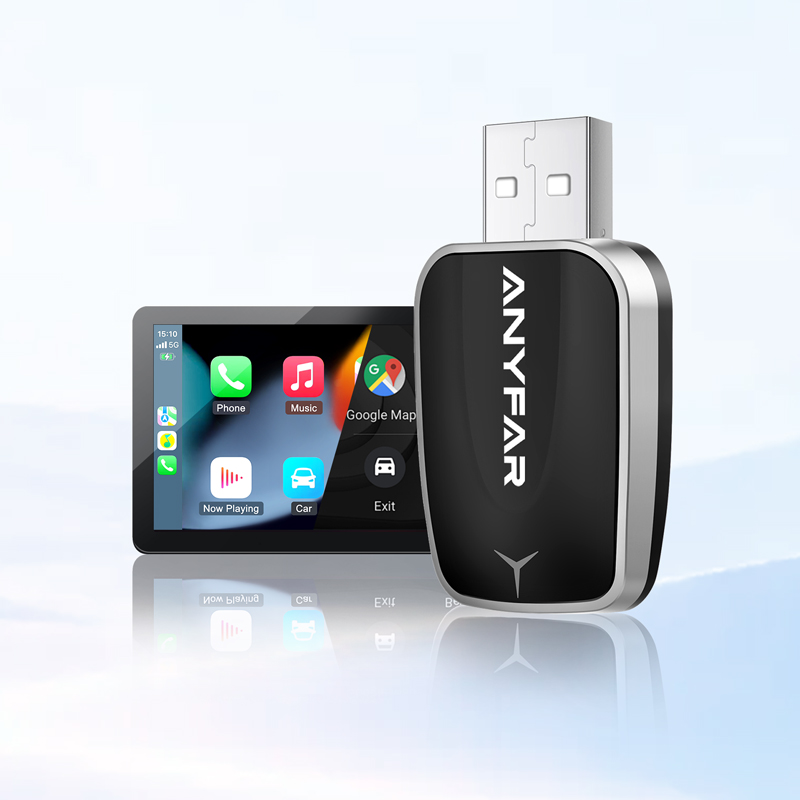
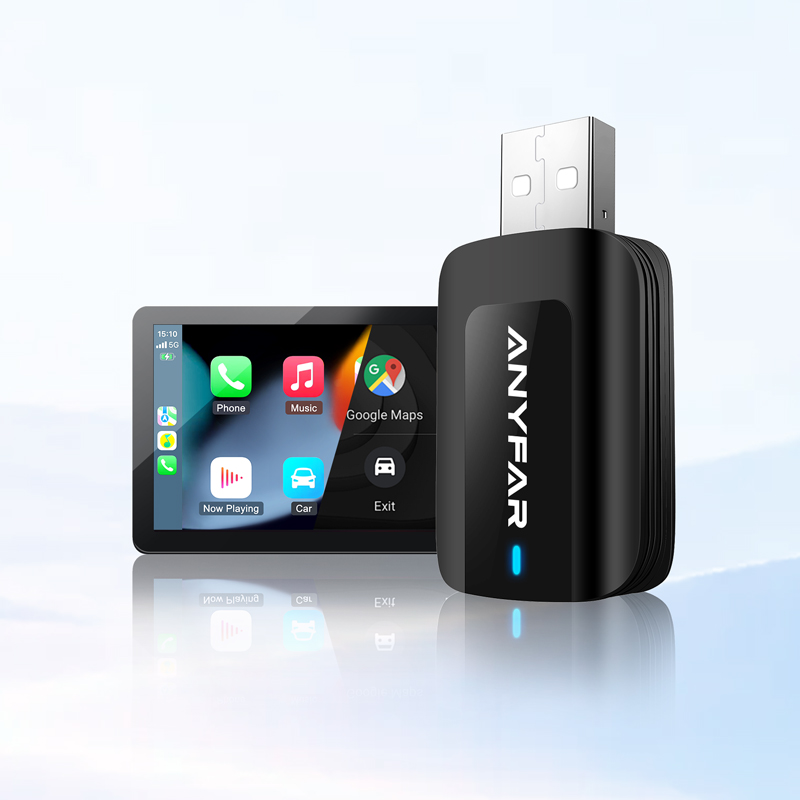
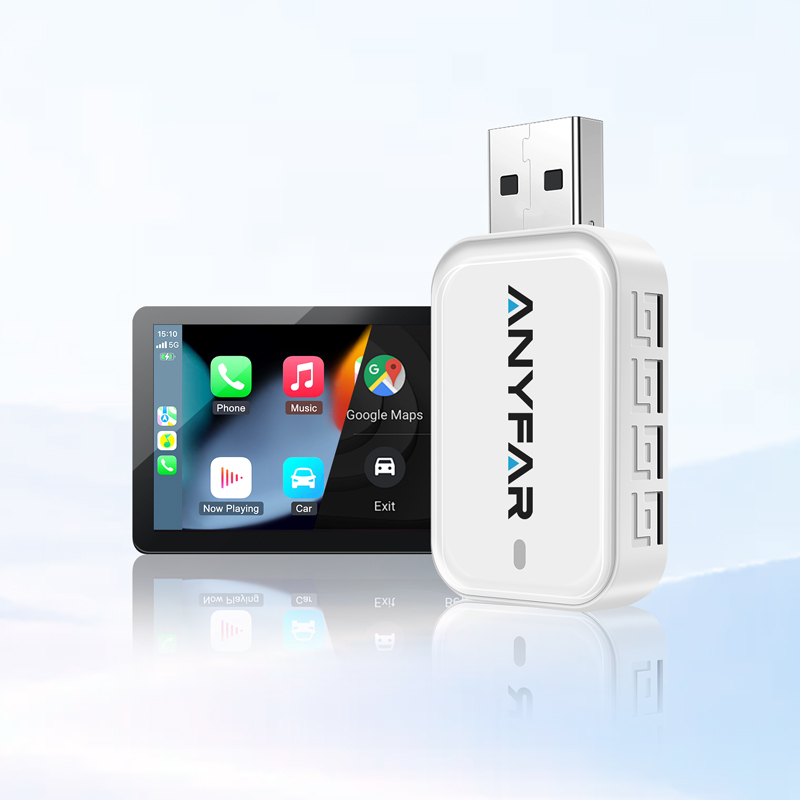
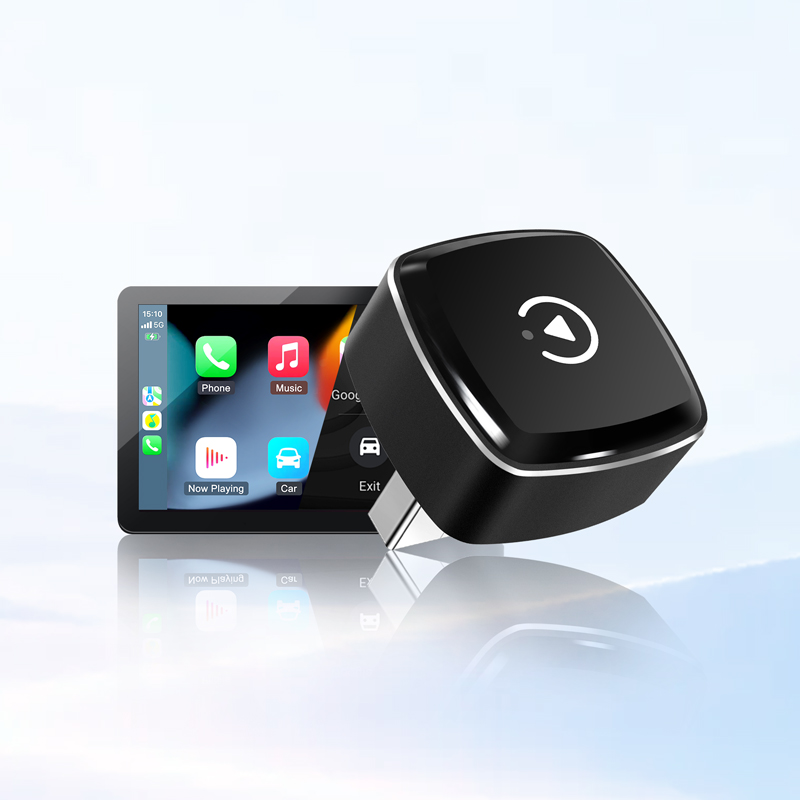
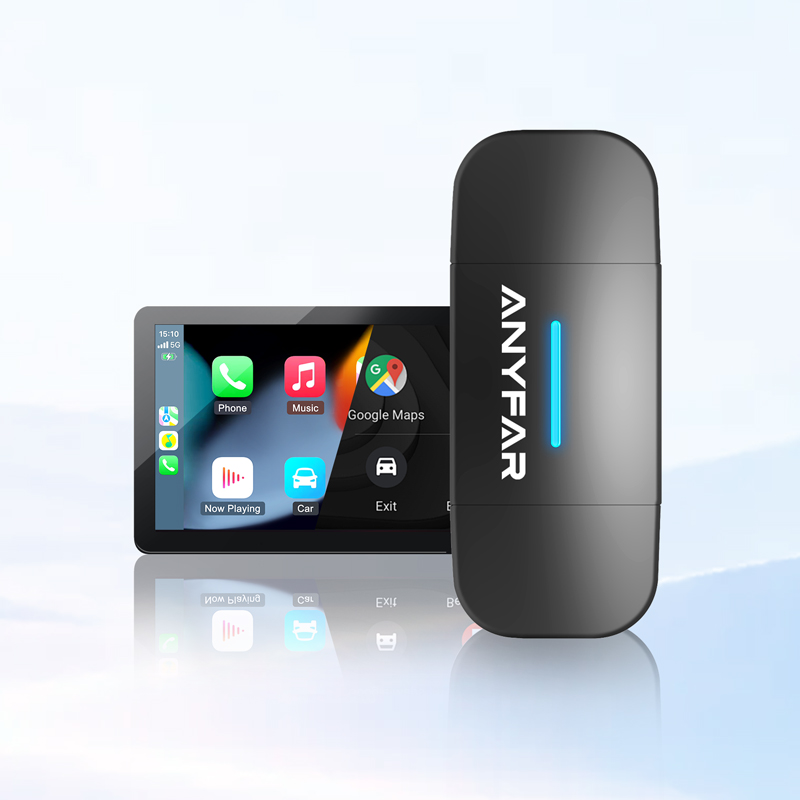
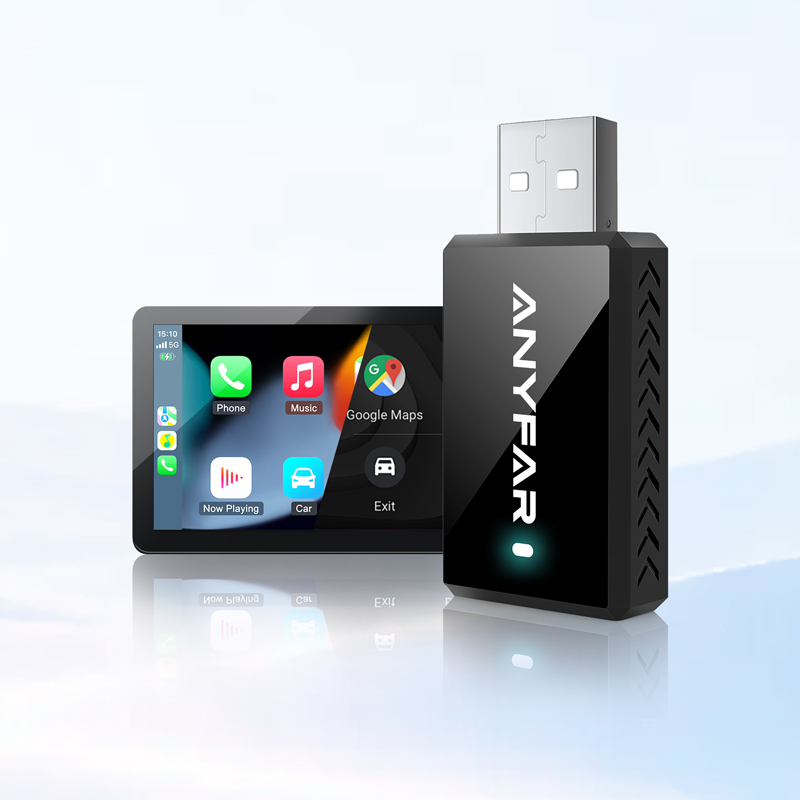

Please first confirm whether your vehicle is equipped with CarPlay. To check: connect your iPhone to the car's USB port via cable and see if the CarPlay interface automatically appears on the screen.
Once confirmed, compatibility requirements vary by product type:
-
Smart Screen: No factory CarPlay required — compatible with all vehicles (audio via AUX, FM, or Bluetooth).
-
Wireless Adapter: Requires factory wired CarPlay.
-
AI Box: Requires factory wired CarPlay (some models also support both wired and wireless CarPlay — please check the "Compatibility" section on the product page for details).
-
Carplay Module: Designed for vehicles without factory CarPlay — adds CarPlay/Android Auto to your original screen. Compatibility depends on vehicle model year and center screen type.
If you're unsure, feel free to contact us via email or live chat.
Wireless Adapter
-
Best for: Cars with factory wired CarPlay — just want to ditch the cable
-
Key features: Converts wired to wireless CarPlay, auto-connects, retains original system
AI Box
-
Best for: Cars with factory wired CarPlay (some models also support wireless CarPlay) — want more than just CarPlay
-
Key features: Wireless CarPlay + standalone Android system, install apps, watch videos, 4G LTE
CarPlay Module
-
Best for: Cars without factory CarPlay — don't want to replace the vehicle
-
Key features: Upgrades factory screen with CarPlay/Android Auto, retains original buttons
Smart Screen
-
Best for: Cars without CarPlay (or with an outdated screen) — don't want modifications, want a larger display
-
Key features: Standalone screen + CarPlay/Android Auto, audio via AUX/FM/Bluetooth
CarPlay Module require some hands-on work for hardware connection, but we provide manuals and, for select models, installation videos for reference. You can also search automotive forums or YouTube for vehicle-specific disassembly tutorials.
Please check the following:
① Vehicle has Bluetooth
Make sure your phone is connected to the car's Bluetooth and the car's audio source is set to "Bluetooth Music". Then switch to the aftermarket module and follow the CarPlay pairing instructions. Once connected, audio will be automatically transmitted through the car's Bluetooth.
② AUX OUT mode (vehicle does NOT have Bluetooth)
Use the car's AUX channel and connect the microphone:
-
Plug the AUX OUT cable from the CAPP harness into the car's AUX port
-
In the car's audio source settings, select AUX mode
Factors such as the time of year may also impact delivery times.
Our CarPlay Modules typically do not require frequent updates. We only provide firmware updates when specific compatibility issues need to be addressed.
If an update is needed:
-
Contact our support team with your device model, current software version (check in Settings → System Information), and a description of the issue you're experiencing
-
If an update is available, we'll send you the firmware file
Since different vehicle models and system versions require specific firmware matching, we do not offer public download links to avoid incorrect flashing. Please contact us for the correct firmware and instructions.
Connect your phone to the adapter and wait for CarPlay to appear. Open your phone's browser and enter the device management address (see user manual for details). If an update is available, tap to start the process. Once CarPlay reappears, the update is complete.
The management address may vary by device batch — please refer to the manual included with your unit.
Have more questions?
Our team is ready to assist you with any inquiries you may have.